
Play NoomiClone Online
Click Play NoomiClone, wait for the gymnast, then click inside the game. Use Space to tuck, ← to arch, ↑ to let go, and R to try again.
For phone play, use the official mobile app. The browser controls here use a keyboard or mouse.
Get the mobile app
The game could not load. Try reloading, or open the original game.
Original game ↗Wait for the gymnast and bars to appear, then click inside the game to use your keyboard.
Start Playing NoomiClone
Click Play NoomiClone above, wait for the gymnast and bars to appear, then click inside the game before using your keyboard. Try these four actions in order:
- Tuck: hold Space to fold the legs toward the body, then release Space.
- Arch: hold ← to extend the body, then release the arrow key.
- Let go: press ↑ to release the bar. Follow the gymnast as it falls.
- Reset: press R to return to the bar and start another attempt.
Repeat the sequence in NoomiClone until you can switch between the keys easily. You can also use Fullscreen below the player for a larger game view.
NoomiClone Controls: Arch and Tuck
The two posture controls in NoomiClone work while you hold them. Use ← for a more extended position and Space to fold the legs. Release one posture key before pressing the other.
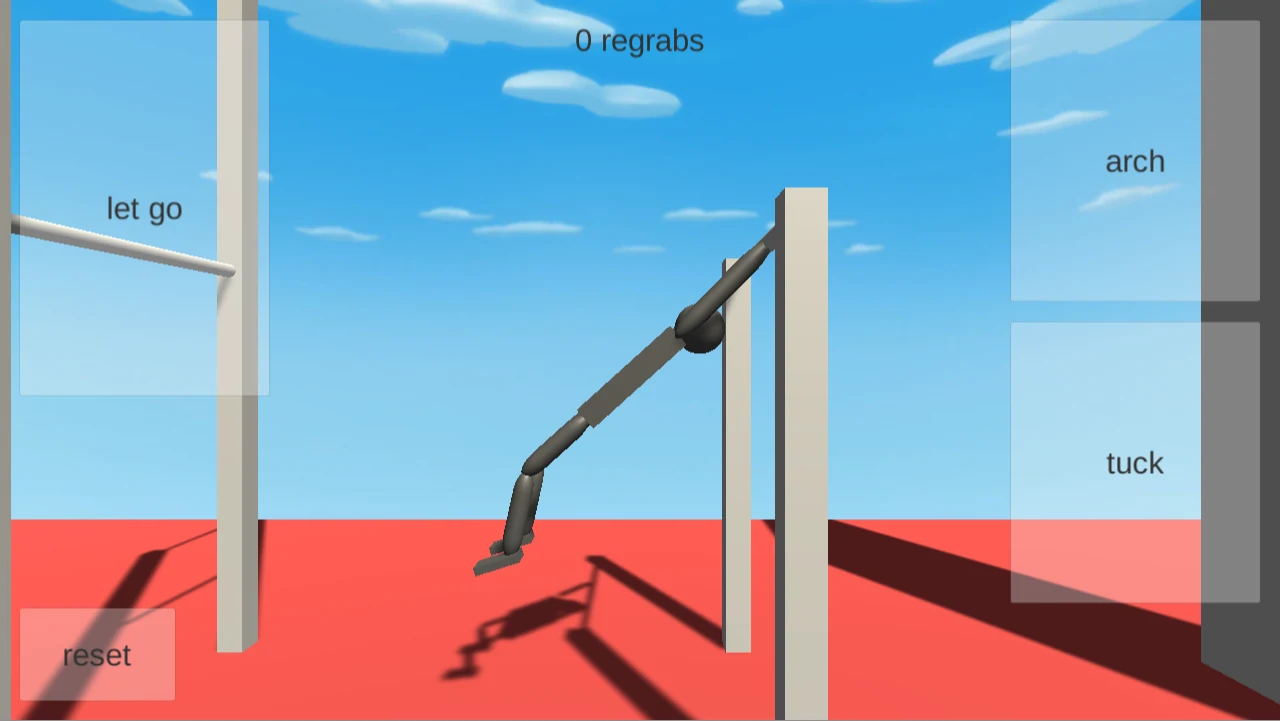
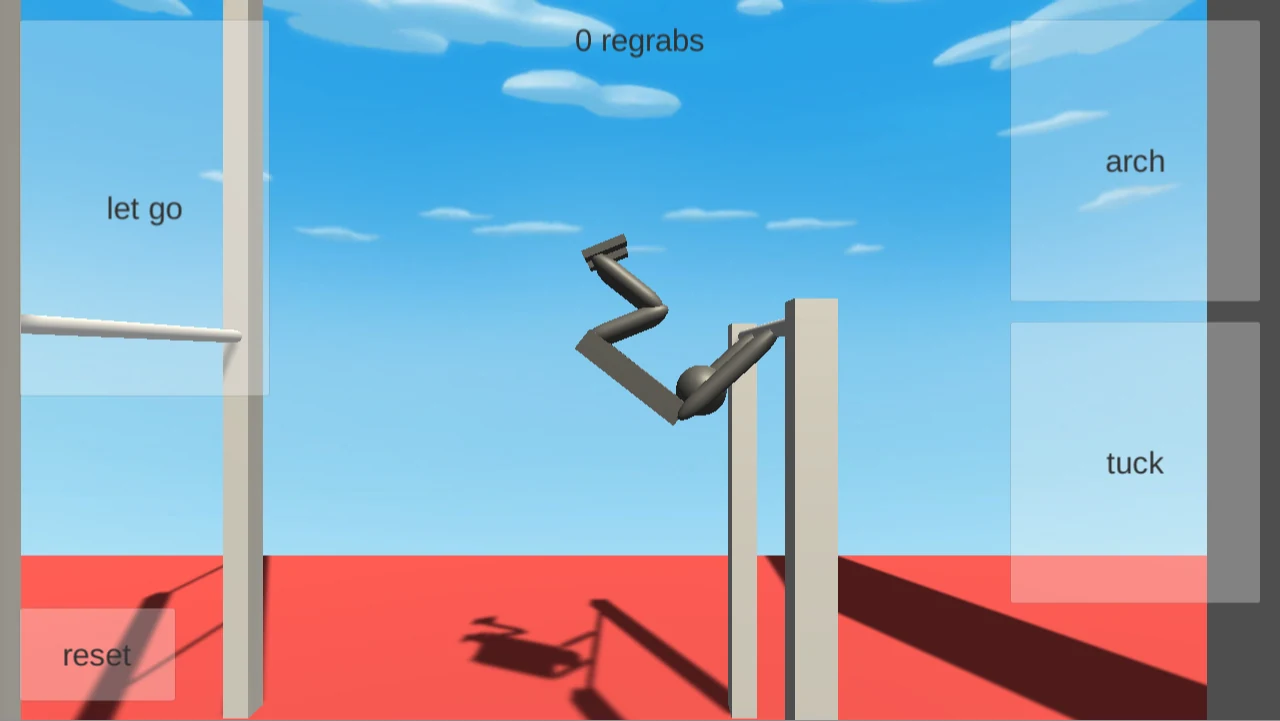
Prefer a mouse? Press and hold the arch or tuck button inside NoomiClone, then release it before switching. The let go and reset buttons perform the other two actions.
NoomiClone Swing Timing: Let Go and Retry
After trying Tuck and Arch, release the posture key and press ↑ to let go. Press R after the attempt to return to the bar. On your next NoomiClone attempt, try letting go at a different point in the movement.
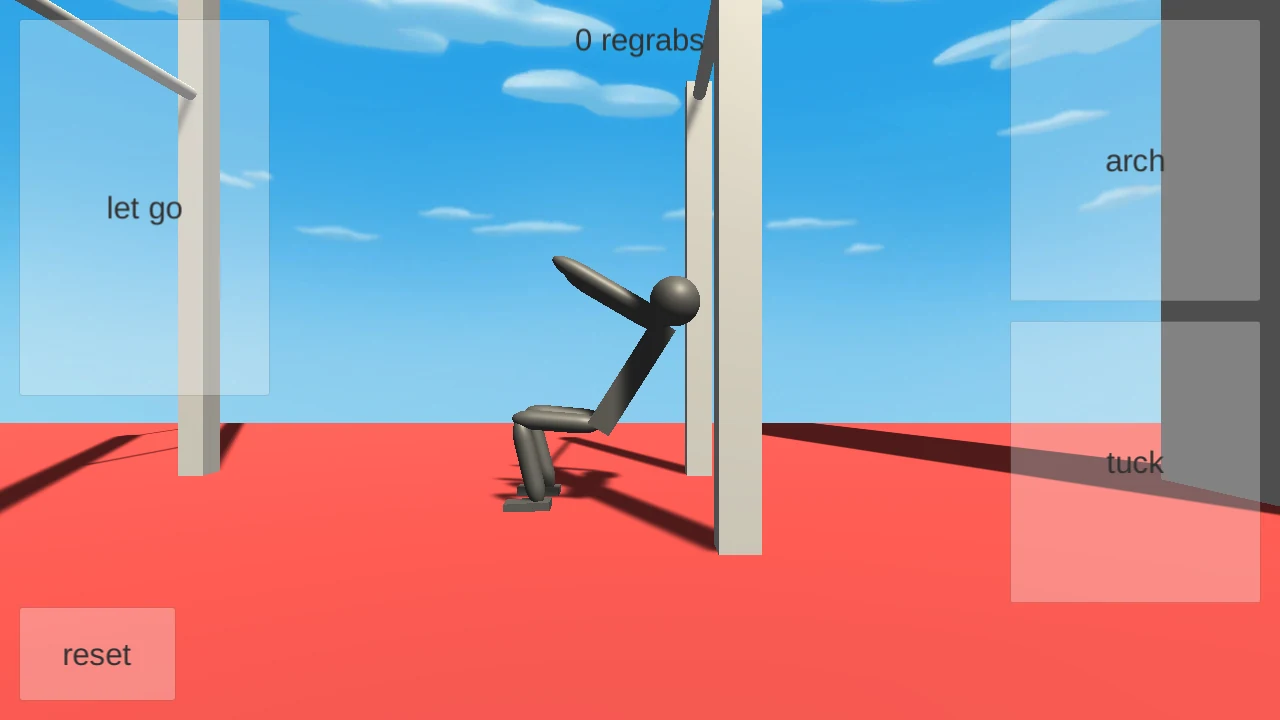
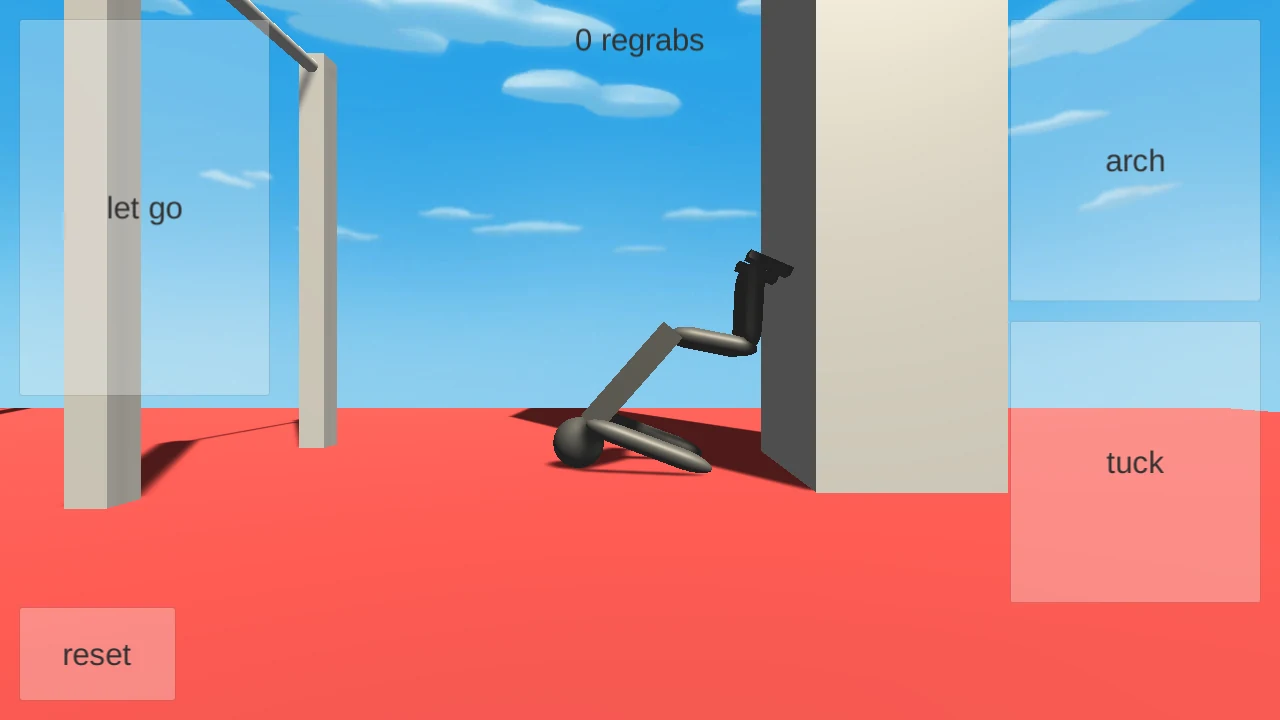
Watch where the gymnast finishes, reset, and try another release. For a longer practice sequence, practice NoomiClone swing timing with the full controls walkthrough.
NoomiClone Controls Not Responding?
- Space scrolls the page: click inside the running NoomiClone game, then press Space again. Click inside once more if you have clicked elsewhere on the page.
- A pose changes too quickly to follow: hold the posture key instead of tapping it, then release it before trying the other pose. You can also hold the matching on-screen button with your mouse.
- You want another attempt: press R or select reset inside the game. Use Reload game below the player when the game itself needs to load again.
Practice all four NoomiClone controls if you want to work through the key sequence again.
What Is the NoomiClone Game?
NoomiClone is a physics game about controlling a gymnast on a horizontal bar. You change the gymnast's pose with Arch and Tuck, choose when to let go, and reset to try another attempt. Start with the four-key sequence above, then experiment with when you release.
For the original release, visit jamesnorth on itch.io.
Play NoomiClone on a Computer or Phone
- Computer browser: play NoomiClone online above with a keyboard or desktop mouse. You do not need to install the mobile app.
- Windows installation: check the NoomiClone PC options for the Google Play Games route and its device, account, and country requirements.
- Android or iPhone: use the official NoomiClone mobile download links to open the app in your device's store.
Questions Before Your First Attempt
Is NoomiClone free to play here?
Yes. You can start this browser game for free without a website account. Click Play above and wait for the game to load.
Can I play with a mouse?
Yes, on a computer. Hold arch or tuck inside the game to change the pose, then use let go and reset.
What does “regrabs” mean in NoomiClone?
A regrab means catching a bar again after letting go.
What if the game will not load?
Select Reload game below the player. If it still will not start, try the original NoomiClone browser game or report the problem with your device, browser, and what you see on screen.